Film & social production
Create
Endlessly.
Start with your footage. Tell the editor what to change. See both cuts before you decide.
Edit room / Spring
Give her
one more
second.
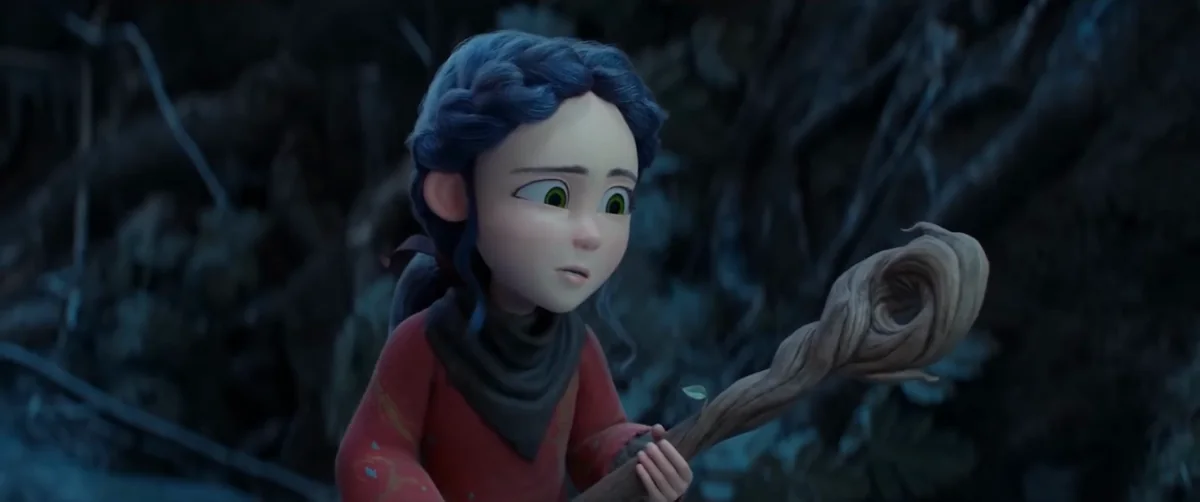
A dog leaves the trail. The shepherd looks up. An editing note asks for one second to move from his exit to her reaction.
Send the recorded note. At 6.5 seconds, switch between versions to see exactly where that second went.
Read the edit breakdown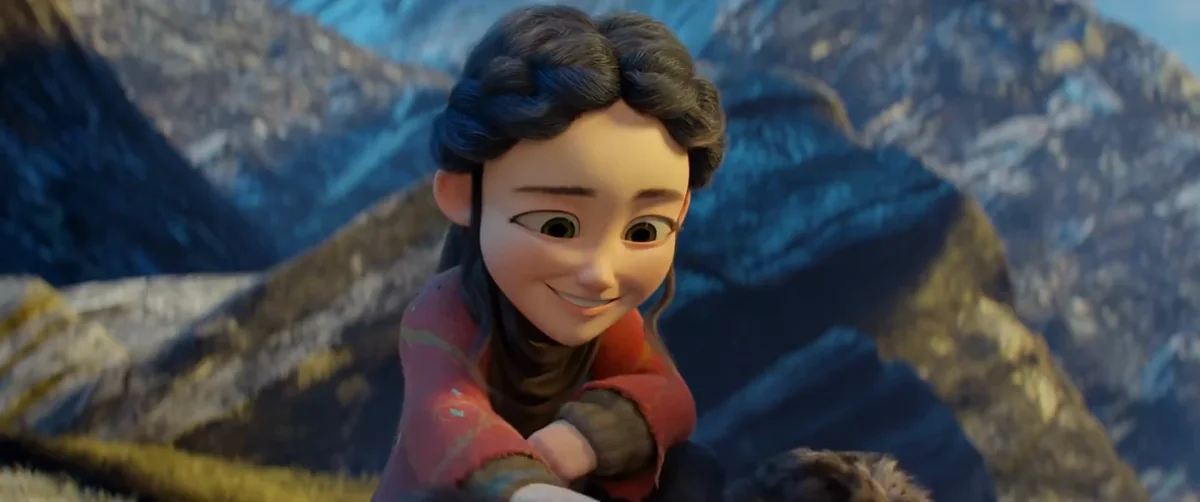
“Cut away a second sooner as the dog starts to leave. Give that second to the end of her last look. Keep the opening and the total length.”
Compare at 0:06.5. Both cuts run 11 seconds.
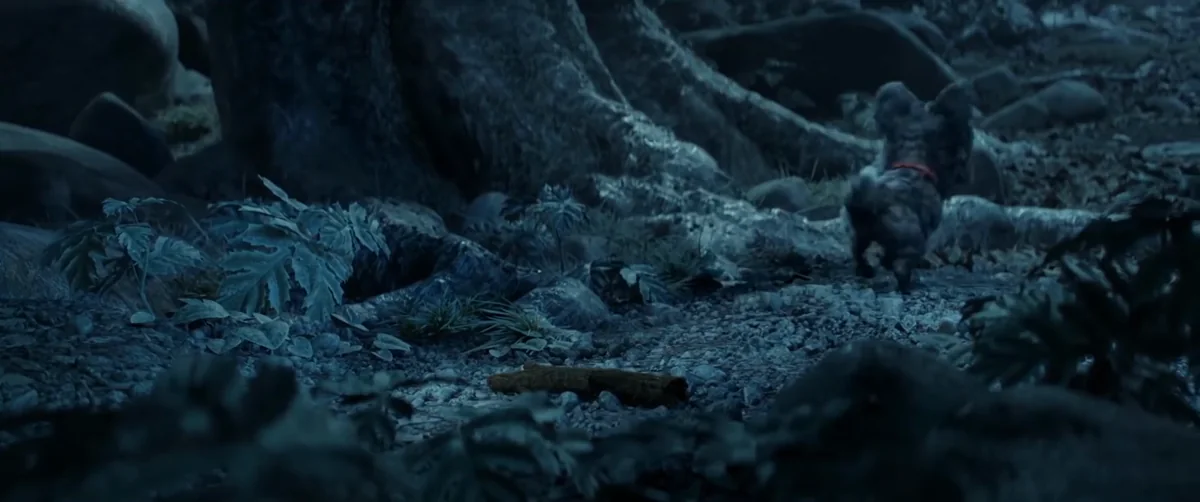

Her last look starts a second earlier.The opening and the 11-second running time stay the same.
Spring © Blender Foundation / CC BY 4.0 / edited excerpts
Workspace / macOS
From footage
to the calendar.
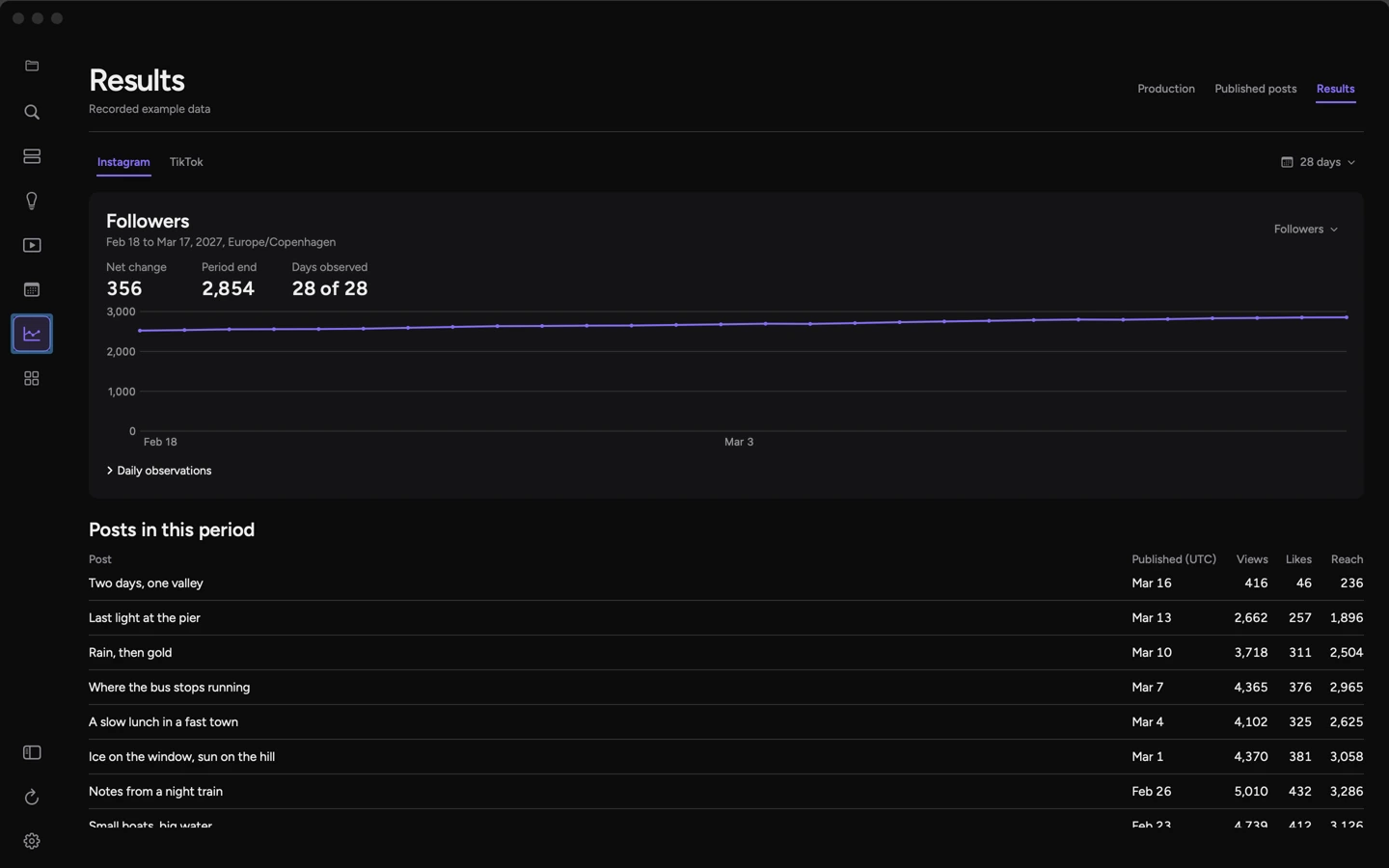
The Library holds the footage. Posts places a reviewed draft on the calendar. Results reads the accounts you connect, like TikTok, Instagram and YouTube, and shows what each post did.
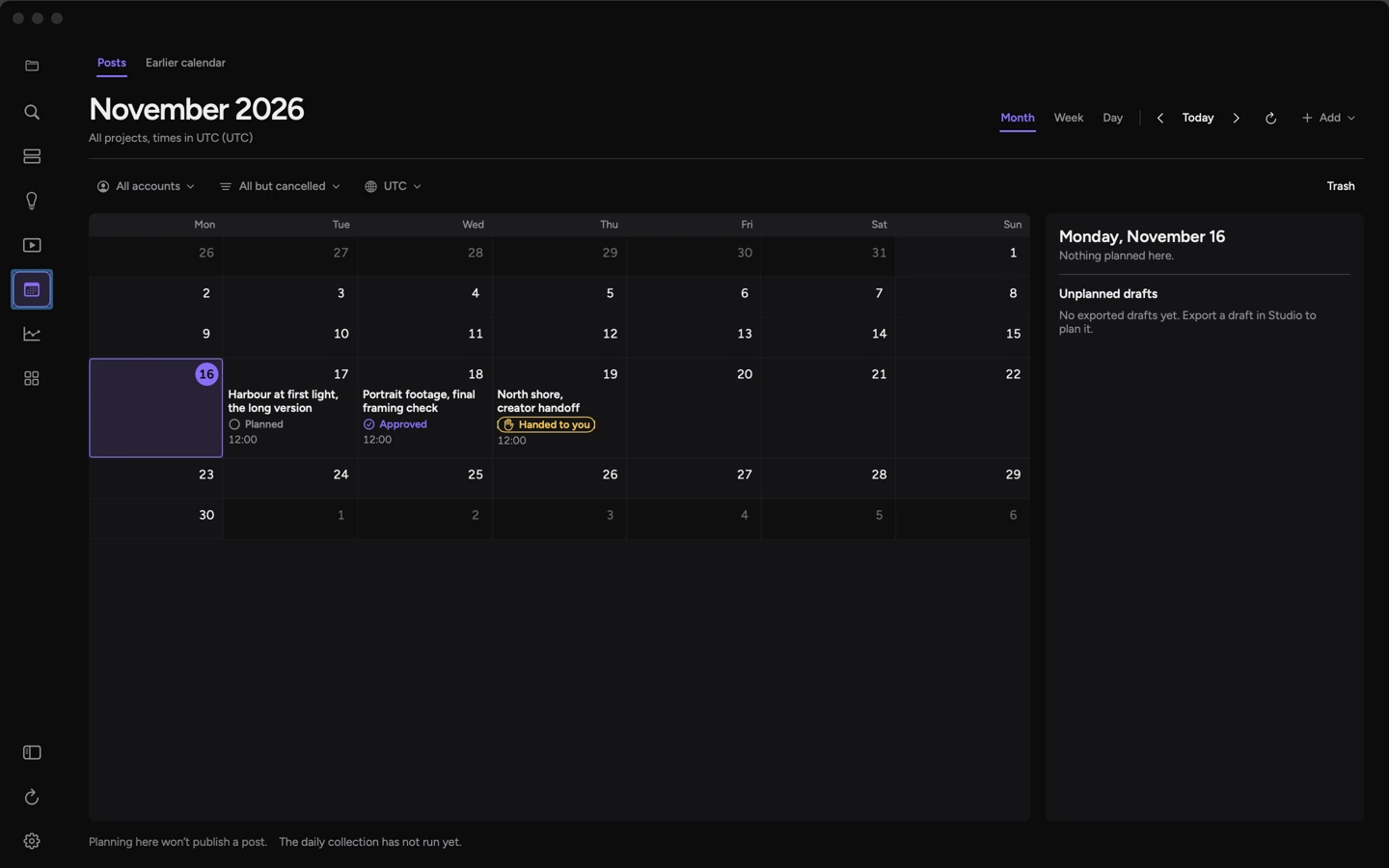
Eight excerpts from Spring in the Library, with three slots for the next cut.
Explore the workspace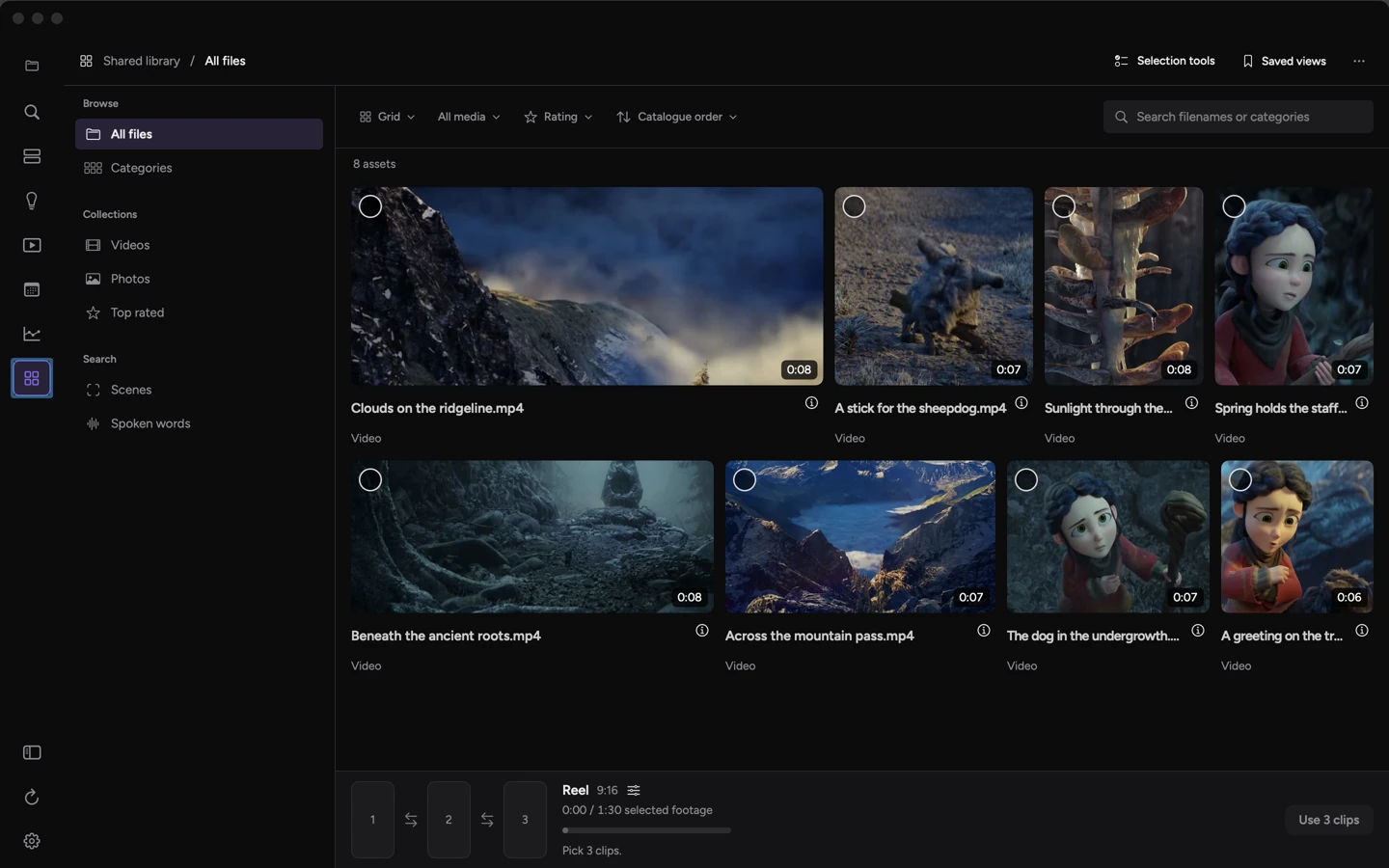 Enlarge screen ↗
Editing field note
One second,
two cuts.
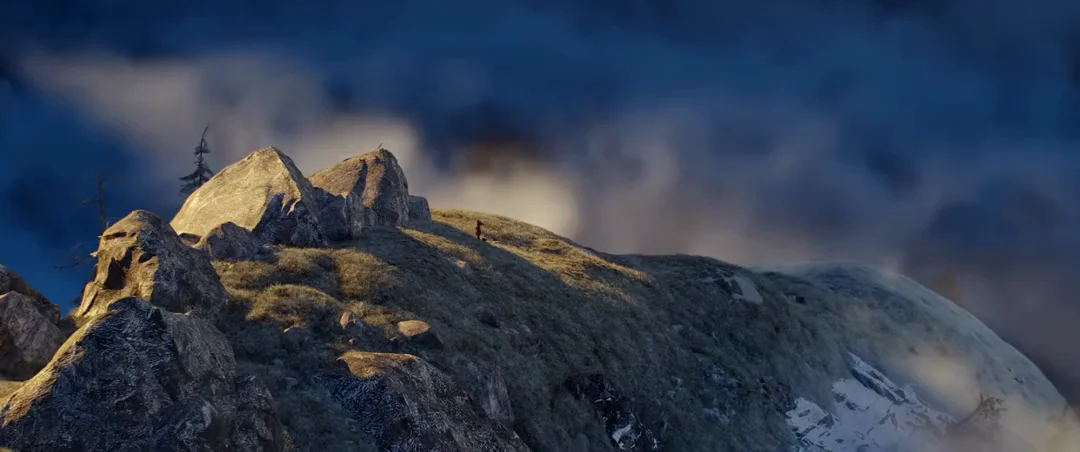
Thirty frames change whose reaction you see. Follow the edit from the original request to the recorded proposal.
Read the field note